
Indonesian Trademark Registration Guide (2025)
Powered by DJKI Portal
Looking to register your brand in Indonesia? This comprehensive step-by-step guide walks you through the entire trademark registration process via the official DJKI platform, from account creation and form submission to classification selection, document upload, and billing. Designed for individuals, businesses, and UMKM, this updated 2025 version ensures clarity, accuracy, and ease of use. Ideal for entrepreneurs and consultants seeking legal protection for their brand in Indonesia.
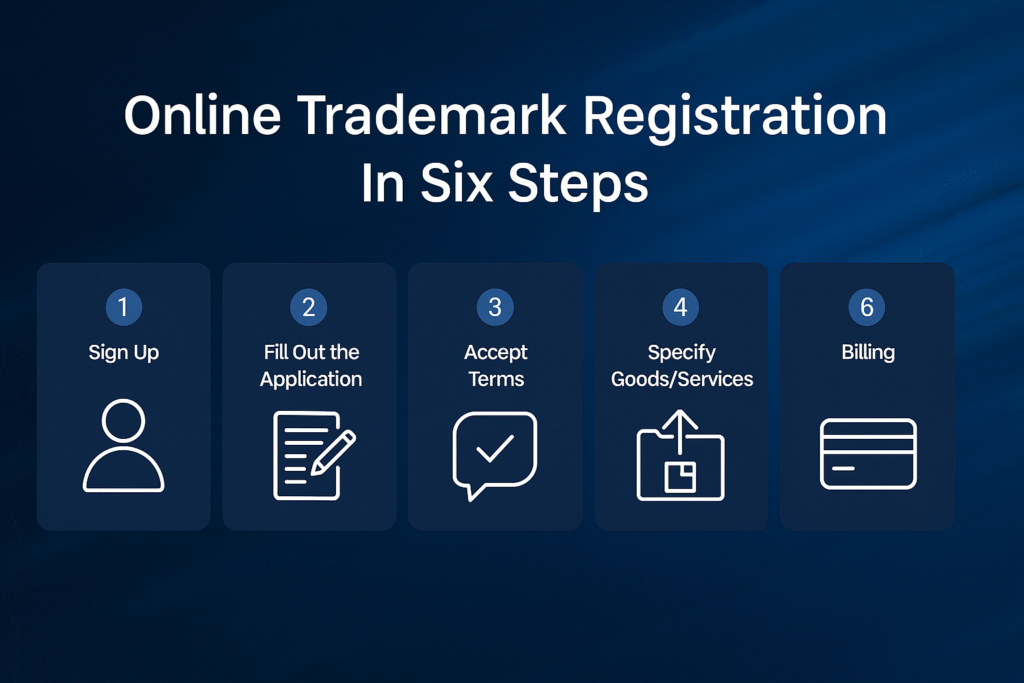
Step-by-Step Online Trademark Registration Process
Step 1: Create an Account
Visit https://merek.dgip.go.id and click “Daftar” (Register).
Fill in:
- Active email address
- Password & confirmation
- Personal data (Name, ID Number, Gender, Birthdate, Address)
- Applicant Type:
- Individual
- Legal Entity
- IP Consultant (mandatory for foreign applicants/WNA)
- Applicant Type:
Complete the registration and confirm your email to activate the account.
Step 2: Log In to the Portal
Enter your:
- Username
- Password
- Captcha (e.g.,
NDD6WM)
- Captcha (e.g.,
Click Login to proceed.
Step 3: Start a New Application
From the dashboard, go to Online Application (Permohonan Online) → click Add Application (Tambah Permohonan).
You will go through 8 stages of the application form.
Application Form Stages
1. General Info
- Submission date is automatically filled
- Application Type:
- General
- Micro and Small Business (UMK) — must upload proof of UMK status
- Application Type:
- Trademark Type:
- Trademark
- Service Mark
- Collective Mark
- Combined
- Trademark Type:
2. Applicant Info
Provide:
- ID number, Name, Nationality
- Choose: Individual or Legal Entity
- Full Address
- Mobile number, Email
- (Optional) Social media links
3. Representative (Optional)
Skip if not using a consultant.
If you are represented by a registered IP Consultant:
- Enter their Consultant ID and the system will autofill their details.
4. Priority Rights (Optional)
Only fill this if you are claiming priority from a previous foreign trademark filing.
5. Trademark Details
Upload and describe your mark:
- Trademark Type: Word Mark, Word + Image, Image, 3D, Sound, Hologram
- Upload Label: JPG only, max 5MB, dimensions up to 1024×1024 px
- Label Reference Name (the brand name on the logo)
- Description of shape/design (not the meaning)
- Colors used
- Foreign term translation (if applicable)
- Pronunciation (if using non-Latin characters)
- Disclaimer (optional — e.g., words like “Halal”, “Organic”)
6. Classification
- Click Add Class
- Search and select appropriate goods/services (you can use semicolons to separate search terms)Example: Class 35 – Business Management & Consultancy
- Tick “Goods/Services are accurate and appropriate”
- Click Save and Continue
7. Supporting Documents
Upload required documents depending on your applicant type:
Required Documents May Include:
- Statement Letter for UMK (stamped)
- Government-issued UMK Recommendation
- Digital Signature (Applicant or Representative)
- KITAS (for foreigners)
- Power of Attorney (if using a consultant)
Format & Requirements:
- PDF for documents
- JPG/JPEG for signature
- Max file size: 25MB
Click Save and Continue once completed.
8. Summary & Submission
Review all entered information:
- Trademark details
- Class selections
- Uploaded files
- Applicant identity
Once confirmed, click Continue.
No edits can be made after this point.
Final Step: Request and Print Billing Code
- Click Generate Billing
- The system will display:
- Billing Code
- Total Fee
- Expiry Date
- Number of Classes
- The system will display:
Registration Fees
| Applicant Type | Fee per Class |
|---|---|
| Micro & Small (UMK) | Rp 500,000 |
| General / Legal Entity | Rp 1,800,000 |
Accepted Payment Methods:
- ATM
- Bank Transfer
- Internet Banking
- Partner banks (e.g., BRI, Mandiri, BTN)
After Payment
- Monitor your application status from your dashboard
- Once verified, DJKI will begin substantive examination
- If approved, an electronic trademark certificate will be issued
Important Reminders
- After generating the billing code, you cannot modify your data
- If your billing code expires, you may request a new one
- Always keep copies of your billing receipt and trademark certificate for legal reference
Need help preparing your submission or choosing the right class? Hepta Solutions can support you from start to finish.
Hepta Solutions | Your Strategic Partner in Business Compliance